Midland WR400 Deluxe NOAA Weather Alert Radio with SAME Localized Programming, 80+ Emergency Voice & Flashing Alerts, Alarm Clock/AM-FM Radio vs weBoost Home MultiRoom Cell Signal Booster
Head-to-head spec comparison to help you pick the right kit component for your needs.
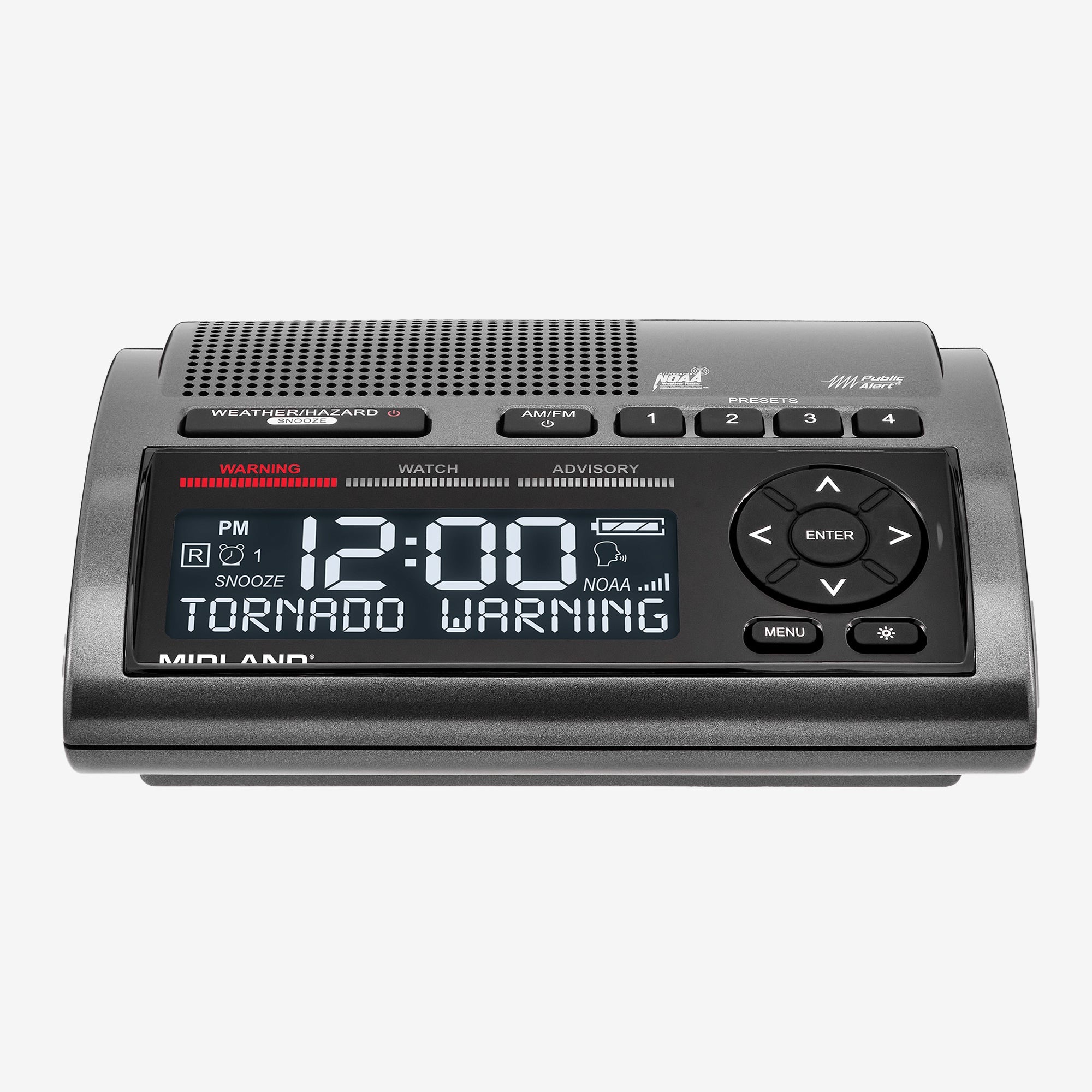
Midland
$100
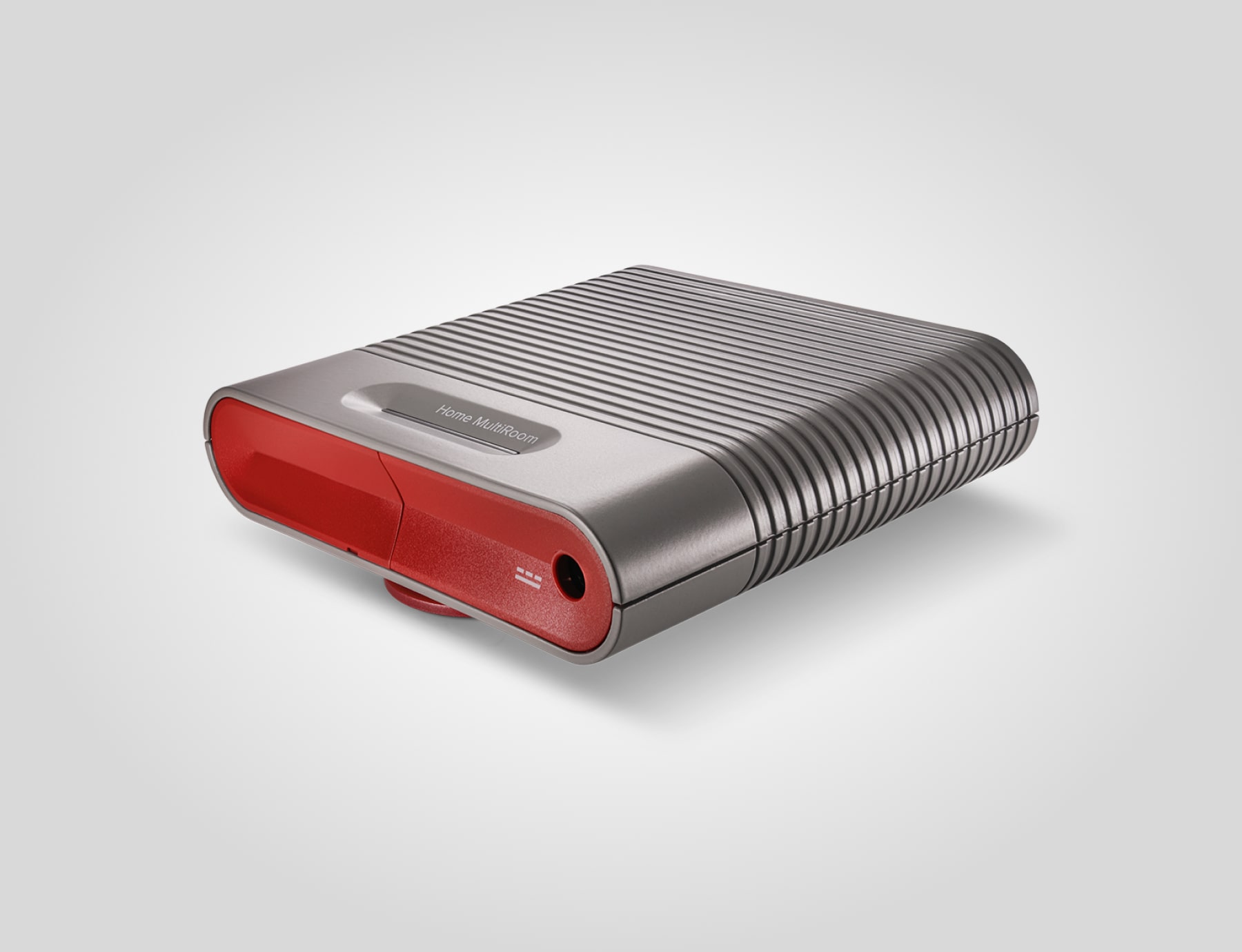
weBoost
$470
Spec Winner
Wins on 2 of 3 spec categories
Spec-by-Spec Comparison
| Spec | Midland WR400 Deluxe NOAA Weather Alert Radio with SAME Localized Programming, 80+ Emergency Voice & Flashing Alerts, Alarm Clock/AM-FM Radio | weBoost Home MultiRoom Cell Signal Booster |
|---|---|---|
| Kit Role | Plug-in home weather and civil emergency alert monitor; self-alerts 24/7 with no action required from user | cell booster |
| Category | weather-radio | cell-booster |
| Renter Install | plug-in | permission likely |
| Building Fit | any room | large condo |
| Max Power | N/A | N/A |
| Channels | 7 | N/A |
| Clear LOS Range | N/A | N/A |
| Coverage | N/A | 5000 sq ft |
| Battery Life | N/A | N/A |
| Water Resistant | No | No |
| SOS Button | No | No |
| Weather Alerts | Yes | No |
| License Required | No | No |
| Subscription Required | No | No |
| Subscription/mo | 0 $ | 0 $ |
| Price | $100 | $470 |
| Rating | 8.0/10 | 8.0/10 |
| Buy on Amazon | Buy on Amazon |
Pros & Cons
Midland WR400 Deluxe NOAA Weather Alert Radio with SAME Localized Programming, 80+ Emergency Voice & Flashing Alerts, Alarm Clock/AM-FM Radio
Pros
- Plug-in with 4-AA battery backup: continues alerting through a power outage — exactly the moment it is needed most
- SAME (Specific Area Message Encoding) county-level programming filters out irrelevant state-wide alerts; only the user's county wakes the device
- Three alert modalities — 85 dB siren, synthesized voice announcement, and tri-color flashing LED — accessible to elderly users with hearing or vision impairment
- 80+ alert types (NWS weather + civil FEMA alerts) with no subscription, no app, no internet required
- Dual alarm clock + AM/FM radio: replaces bedside radio so it stays plugged in and relevant 24/7
Cons
- Programming the SAME county codes requires reading the manual once — not truly zero-setup out of the box
- Siren at 85 dB can startle; elderly users with heart conditions may want to lower the alarm volume in settings
- No battery-only portable mode beyond backup AA cells; not designed for travel
weBoost Home MultiRoom Cell Signal Booster
Pros
- Higher-coverage option for larger condos
- All-carrier support keeps mixed-household phones on the same plan
- Good fit for a designated command room
- More margin when outdoor signal is weak
- Established support and accessory ecosystem
Cons
- Too much kit for many renters
- Antenna placement can trigger landlord or HOA friction
- Wireless-provider registration and E911 caveats still apply
- Expensive if Wi-Fi calling already works
- Does not help when towers are fully down
Our Verdicts
Midland WR400 Deluxe NOAA Weather Alert Radio with SAME Localized Programming, 80+ Emergency Voice & Flashing Alerts, Alarm Clock/AM-FM Radio
The WR400 is the correct choice for a caregiver kit because it requires no new habits: plug it in, program the home county once, and it wakes the household with voice announcements and flashing lights 24/7 — even during a power outage via AA backup. For an elderly parent who cannot monitor a smartphone or app during a night storm, a dedicated plug-in alert device that shouts and flashes is the most reliable last line of warning.
weBoost Home MultiRoom Cell Signal Booster
The Home MultiRoom is the serious condo-owner upgrade, not the casual renter pick. Use it when one room is not enough, the building has poor indoor signal, and you can route the antenna cleanly without violating lease or HOA rules.
Midland WR400 Deluxe NOAA Weather Alert Radio with SAME Localized Programming, 80+ Emergency Voice & Flashing Alerts, Alarm Clock/AM-FM Radio
$100